
The Good Days
Experimental Rotoscoping and Non-Traditional Animation
"The Good Days" is a sixty-second narrative animation that explores memory and athletic passion through the lens of rotoscoping. By manually editing hundreds of individual frames, this project documents my cheerleading history, transforming archival footage of stunting and tumbling into a vibrant, high-energy digital experience.
Project Specifications
Role: Lead Animator & Sound Designer
Context: FMX 210: Digital Media | University of Tampa
Tech Stack: Adobe Photoshop, Adobe Premiere Pro, GarageBand
Scope: 600+ hand-edited frames | 10 FPS | 60-second duration Audio
The Vision: Animating Memory
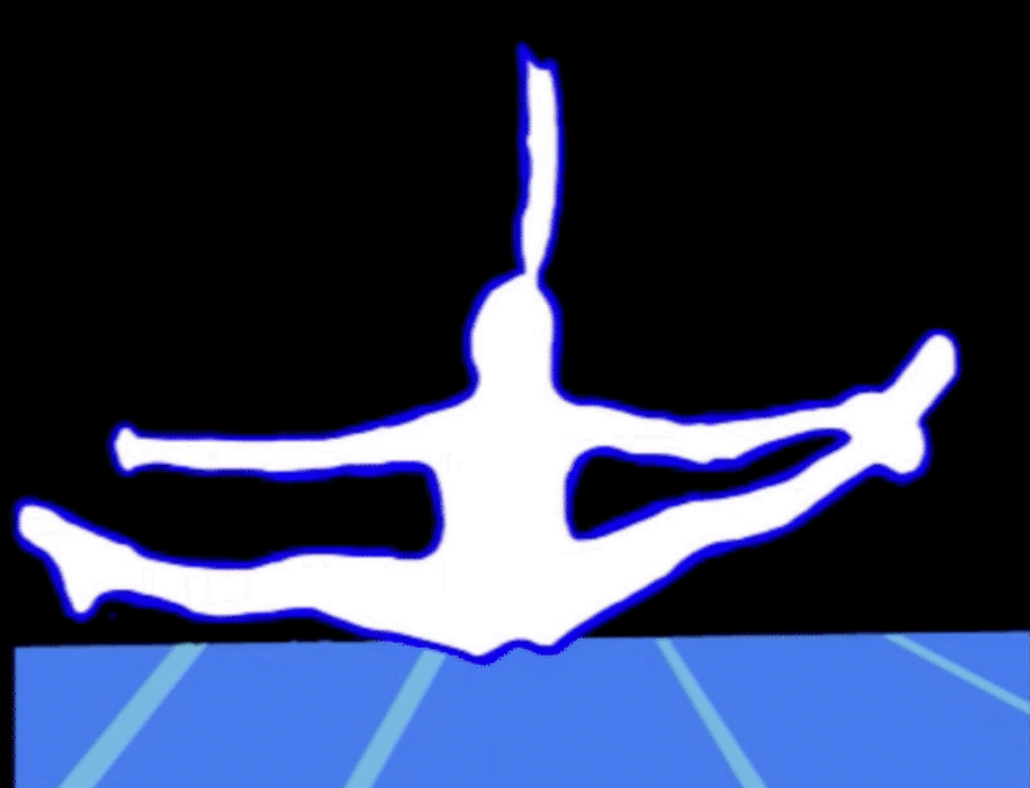
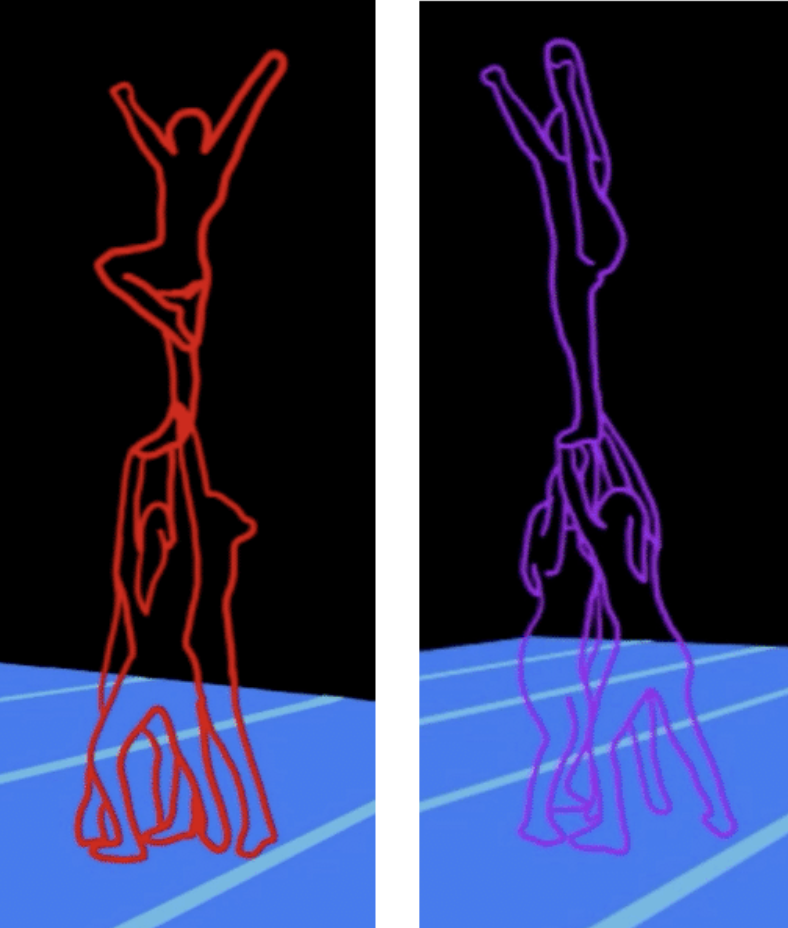
The project begins with a self-portrait of me reminiscing on my years in the gym, which serves as the portal into the animated sequences. To capture the kinetic energy of cheerleading, I used rotoscoping to trace real video clips of my past performances. Each skill, from tumbling passes to elite stunts, is assigned a unique color palette to maintain visual interest and separate the different chapters of my athletic career.
Key Animation Objectives:
Technical Endurance: Executing hundreds of frames of hand-drawn animation using object masking and digital brushes.
Emotional Resonancy: Using color theory and rhythmic audio to make the viewer feel the excitement of the “good days” in the gym.
Audio-Visual Synergy: Composing a custom soundtrack in GarageBand to anchor the movements of the animation.
The Process: Leveraging Non-Traditional Software
A unique aspect of this project was the decision to use Adobe Photoshop, a software primarily designed for photo editing, as the main animation engine:
Frame-by-Frame Rotoscoping: I imported raw video into Photoshop and used the "Timeline" feature to rotoscope each frame. I used masking and various brush textures to give the athletes a distinct, hand-drawn outline while removing the "noise" of the gym background.
Sound Engineering: I used GarageBand to layer loops and sound effects that matched the timing of my tumbles and stunts, ensuring that the "impact" of each landing was felt by the audience.
Final Assembly: The hundreds of edited frames were brought into Adobe Premiere Pro to be sequenced at 10 frames per second, where I finalized the transitions and synced the master audio track.
Reflection: What I Learned
This was easily one of the most time-consuming projects of my undergraduate career, but it taught me so much about the patience required for high-quality UI/UX and animation work. I really enjoyed the challenge of using Photoshop for something it isn’t traditionally built for: animation. It forced me to understand the software on a deeper level. Seeing my old cheerleading videos come to life in such a colorful, artistic way made all the stress and late nights in the lab worth it.
Looking Ahead: Interaction & Motion
After completing this, I’ve become fascinated with how motion can be used in UI/UX to guide a user’s eye. I want to take the rotoscoping and timing skills I learned here and apply them to micro-interactions in apps, such as how a button might react when you tap it or how elements appear when the user’s mouse hovers over them. For the future, I’m interested in exploring how hand-drawn elements can make digital interfaces feel more human and less clinical. I believe that adding a bit of artistic motion can make any user experience feel more meaningful.