
Powerpuff Girls
An Exploration in Interactive Creative Coding
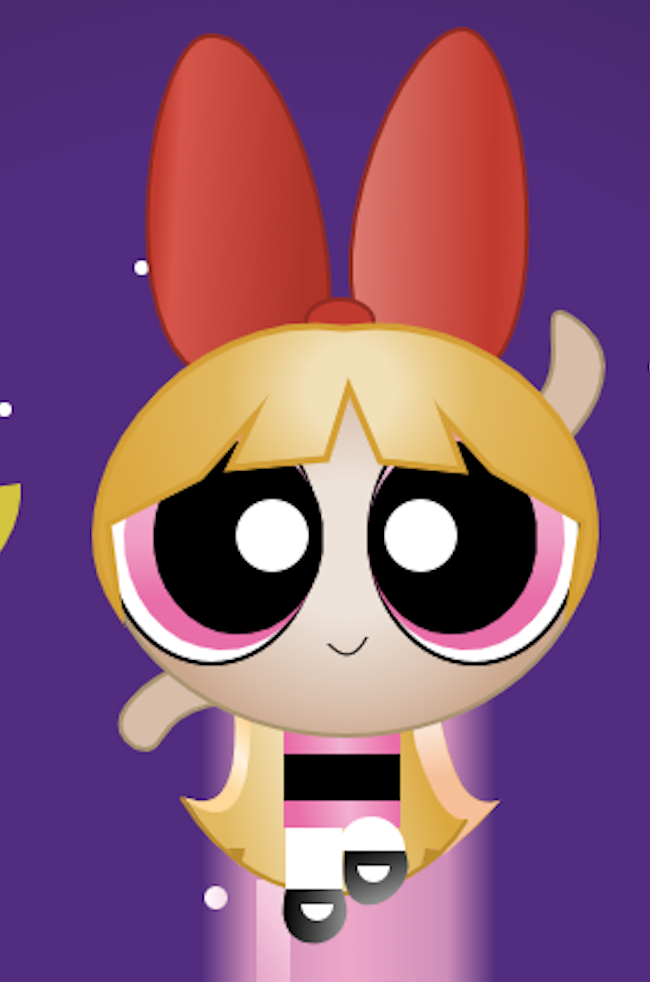
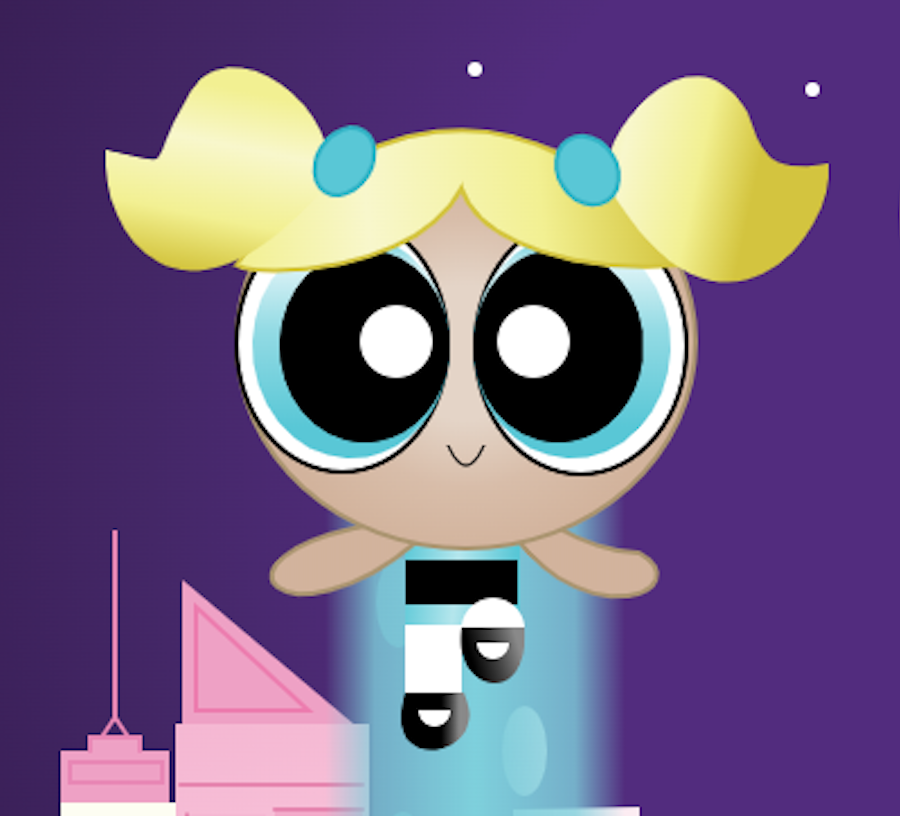
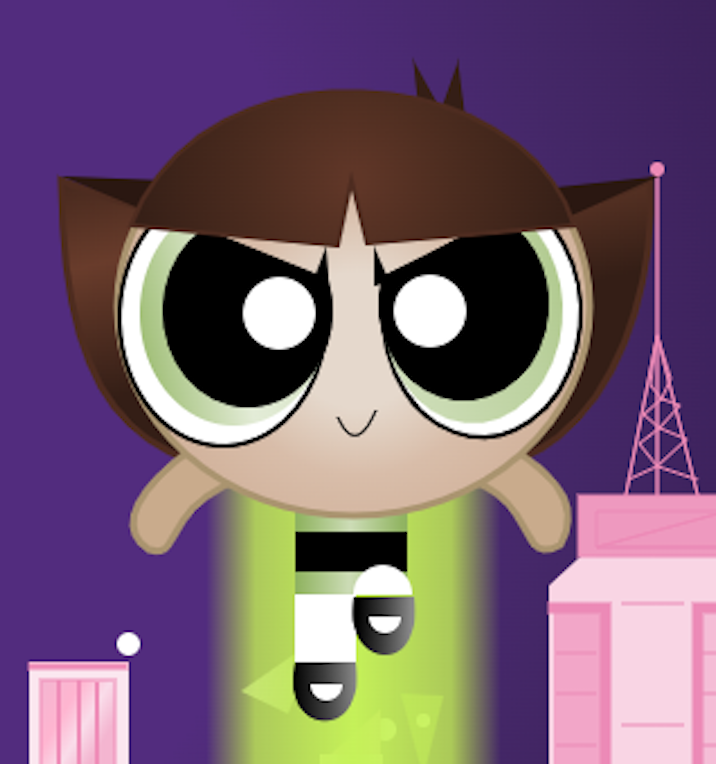
Translating iconic 2D/3D character design into a responsive, browser-based experience. This project pushed the limits of HTML5 Canvas, requiring a deep marriage of mathematical coordinate mapping and visual storytelling.
Project Specifications
Role: Lead Creative Coder
Context: FMX 310: Creative Coding | University of Tampa
Tech Stack: HTML5 Canvas, JavaScript, Adobe Dreamweaver, Photoshop
Scope: 3,273 lines of manual code | 37+ hours of development

The Challenge: Combining Art With Code
The objective was to build a complex, multi-element interactive illustration from scratch. I aimed to bridge the gap between two distinct visual styles: Classic Cartoon City and 3D-rendered characters.
Key Technical Requirements:
Scale: Over 3,000 lines of clean, commented code.
Visual Depth: Utilizing ten unique shapes and complex gradients to simulate a 3D environment.
Interactivity: Implementing dynamic user engagement via mouse-tracking.
The Process: From Pixels to Code
To ensure high fidelity to the original character designs, I utilized a hybrid workflow:
Coordinate Mapping: I used Photoshop to extract exact hex codes and pixel coordinates from source imagery, ensuring the code-generated shapes were identical to the reference.
3D Simulation: Rather than using flat colors, I layered gradients to create dimension, mimicking the lighting of 3D models within a 2D Canvas environment.
HCI Implementation: I integrated mouseX and mouseY variables to transform the illustration into a responsive interface. This allows the user to directly influence the visual movement, creating an engaging feedback loop.
Reflection & Technical Rigor
Building this project was a huge lesson in staying organized. Coding over 3,000 lines for the Powerpuff Girls illustration meant keeping my code clean and well-commented so I wouldn't get lost in my own work. The hardest part was getting the 3D depth to look right in a flat, 2D web environment. I spent a lot of time in Photoshop, grabbing the exact coordinates and colors from my reference photos to ensure the gradients mapped out perfectly in the code. This project really proved to me that I can take a creative idea and actually build it from the ground up using code, a skill I hope to keep developing in grad school.
Looking Ahead: Furthering User Interaction
While I’m happy with how the mouse-tracking turned out, if I were to do this again, I’d focus more on making it accessible for everyone. In my next version, I want to add keyboard controls and better labels so that people who can't use a mouse can still interact with the characters. I’m also interested in ability-based design, where the interaction could automatically adjust to a specific person's movement. I want to take the fun, creative coding skills I used here and apply them to real-world tools that are easy for everyone to use, regardless of their physical abilities.